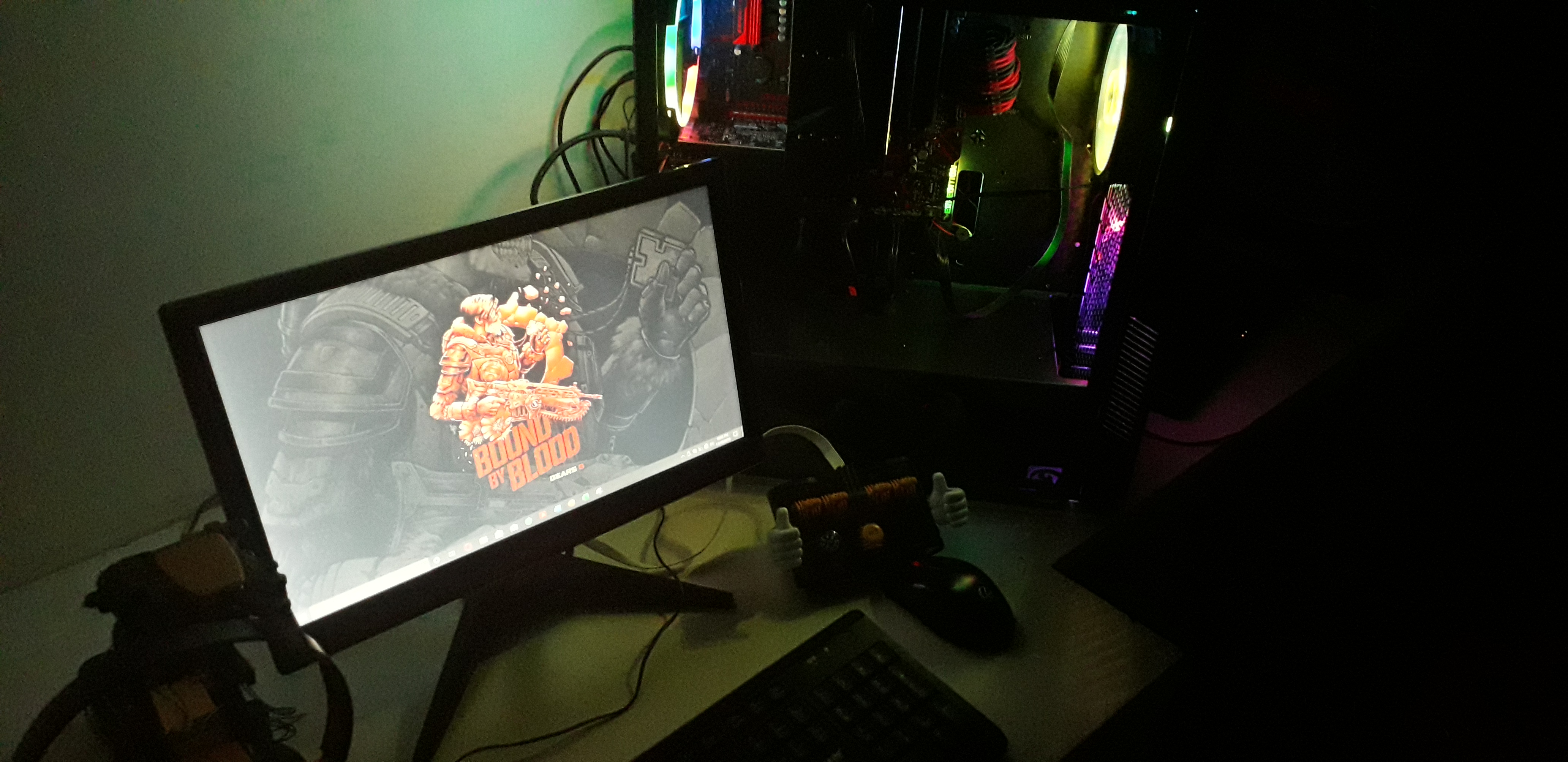
My journey into homelabbing started all the way back in 2024 when I started my training and received my certification for RHCSA, which primarily focused on enterprise Linux and server management.Right after that, I felt it was such a shame that I wouldn’t be able to use any of my skills since my work at the time mostly focused on software engineering and application development.That feeling stuck around even while I tried to alleviate it by ricing new Linux flavors every month in VirtualBox. Once September 2025 rolled around and I started having serious talks with my friends about buying a mini PC or a Ras Pi so I could at least experiment and try new things, I had the most wonderful epiphany: I had an old gaming PC collecting dust back home.So me, @Vinay Rajan and @Avinash formed a simple WhatsApp group to figure out how we could do that and, in the future, once the market stabilized somewhat, pool in for a larger server rack we could work on together.My inspiration for building this was to be free from paid mainstream services while still enjoying them at the same quality. What started as curiosity has evolved into a fully functional, highly secure mini-datacenter running on a modest gaming PC.I want to share this with you all in the hopes that I might inspire someone else to do the same.If you guys wish to try out the services listed, DM me or email me :)
The rough idea was simple: turn the old machine into something I could
reach from anywhere, keep it flexible enough to grow over time, and use
it as a place to try services without worrying about breaking my main
setup.
It was also the first time the project felt bigger than a toy lab. It was
a way to keep learning the same tools I had studied, but in a setup that
I actually controlled.
First Setup
We ended up working on my gaming PC until that came to be. So by the time I finally came back home mid-semester to attend YC Startup School, we sat together to plan out exactly how we wanted to build the base of the server. It mattered that we made the right decisions here without any rush so that we wouldn’t regret anything later.Vinay suggested we go forward with Proxmox VE as the base hypervisor since it offered a lot more control and features than a regular Ubuntu Server. It was the best decision in hindsight. We sat in front of the rickety old machine with a bootable Proxmox USB, and it didn’t take that long since I had already decided I wanted to dual boot it with EndeavourOS in case I wanted to use it as a regular desktop at some point.It never happened.Anyways, once that was ready, all I had to do next was deploy an Ubuntu Server VM we could use as a testbench. We called it Lady Midnight after a book we found on Avinash’s desk. It was such an easy process that I can’t help but praise the design behind Proxmox. I attached a trusted repository, found a template for Ubuntu Server, and watched it unbox itself.
Once that was done, I experimented with services like Tailscale as a
private VPN that would let me access the server from anywhere. But the
problem was that it had limited seats, and that would not allow my
friends or any other guests to join.
So I went with a readymade reverse proxy like cloudflared. It allowed me
to install a daemon onto the system and use the Cloudflare Zero Trust
dashboard to configure gateways, access points, and policies in a very
simple manner.
The best part was that I could assign it my own domain, which let me
expose my services to anyone I chose as a simple website.
That was the first time the lab felt genuinely useful instead of just experimental.
Current Setup
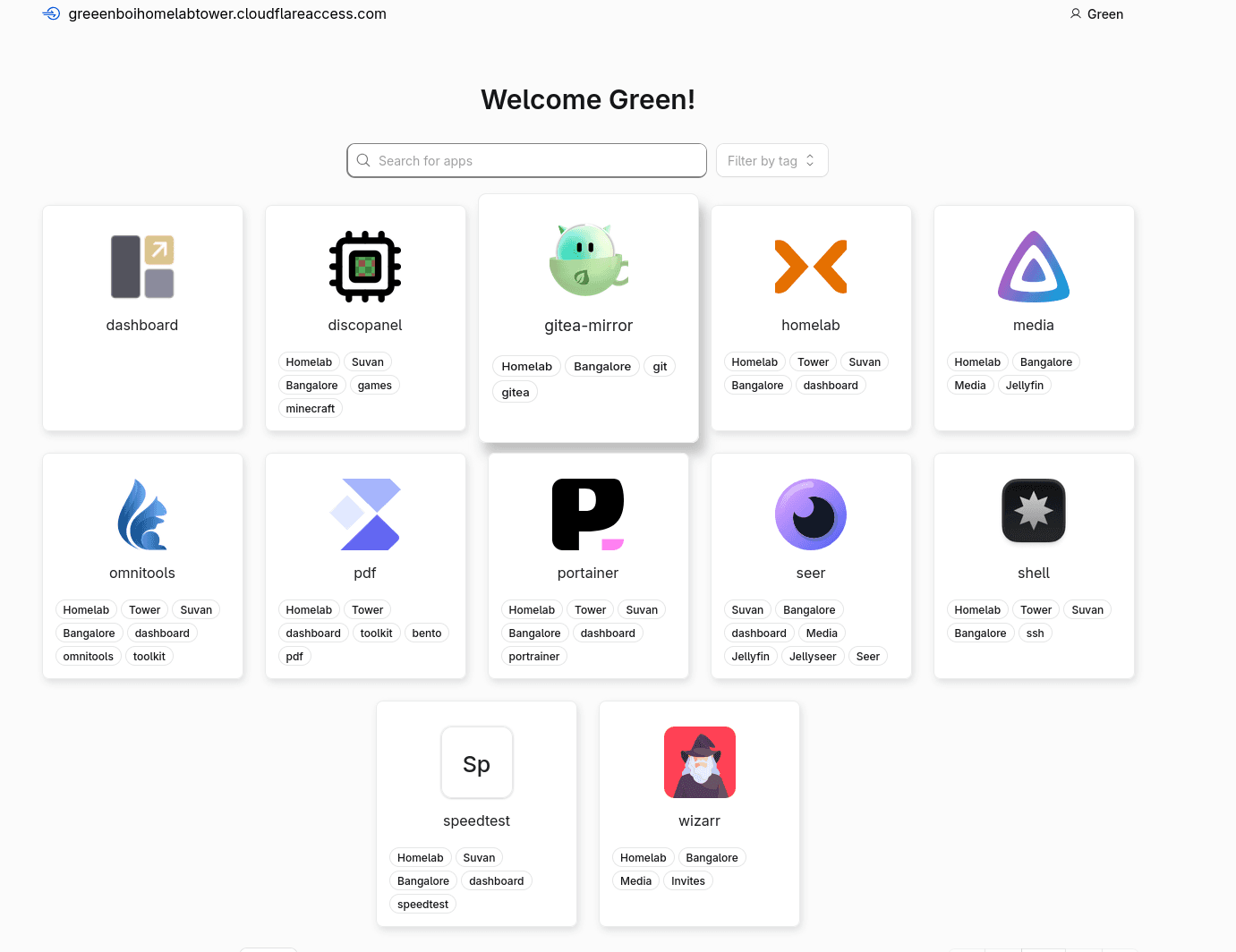
Once that was done, my short trip in Bangalore was over and I had to go back to campus to finish the rest of my major project and internship. So on the side I kept working on the homelab by adding more services and features.Services that you might find interesting:
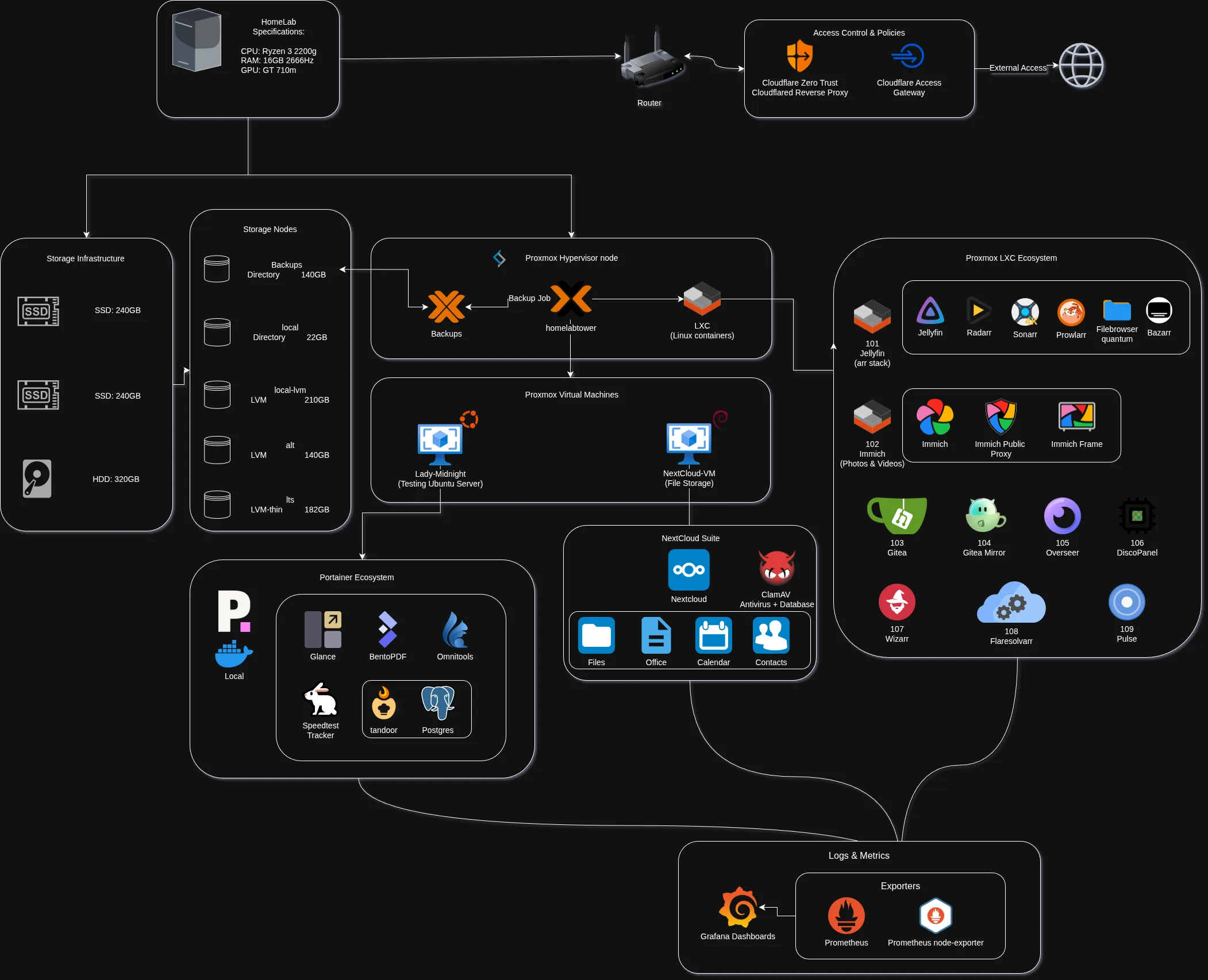
NextCloud Suite VM (OneDrive alternative): A dedicated Debian VM acting as my private cloud for file storage, office tools, and calendars, hardened with a ClamAV antivirus pipeline.
Arr Stack LXC: My alternative to any TV or movie streaming service.
Gitea: A self-hosted Git provider alternative to GitHub and GitLab.
Discopanel: A managed Minecraft hosting service with as much RAM and CPU as I want.
BentoPDF / Omnitools: Two services that take care of any media or PDF task I want.
Some of the supporting infrastructure behind it all:
I was able to set up a certificate authority through Proxmox ACME and Cloudflare DNS, so all of my services are encrypted through ACME.
I was also able to set up notifications through SMTP to me and other trusted individuals about any alerts that might show up in Proxmox.
Security in Proxmox is also quite solid. I had the option to set up an LDAP service, but that would be a headache to maintain, so I stuck to non-root users and all active users must have 2FA set up. Proxmox also handles that.
I am currently sandboxing my LXCs and VMs by using the inbuilt SDN feature. It allows me to set up VLANs and VNETs and move all my services to those subnets instead of using the direct network bridge.
At some point in time, I wiped out the unused EndeavourOS and could use that freshly wiped space for more things.So now I am running services like Jellyfin, Immich and Nextcloud and a lot more, and that gave me so much experience on how hobbyists and professionals work with servers.And now that my homelab looks something like this, I can talk a bit more about what I am running and my future plans.